Creating a clutter-free workspace at home can greatly improve your productivity and reduce stress. When your desk and surrounding area are tidy and well-organized, it’s easier to focus on your tasks and stay motivated throughout the day. Whether you’re working remotely, studying, or managing personal projects, these tips will help you design a workspace that feels comfortable, efficient, and clutter-free.
Why a Clutter-Free Workspace Matters
A messy workspace can cause distractions, reduce focus, and even increase feelings of anxiety. On the other hand, an organized area helps clear your mind and promotes a sense of calm. Plus, finding what you need quickly means less time wasted searching for papers, pens, or devices.
Step 1: Choose the Right Location
Selecting the best spot for your home workspace sets the foundation for organization.
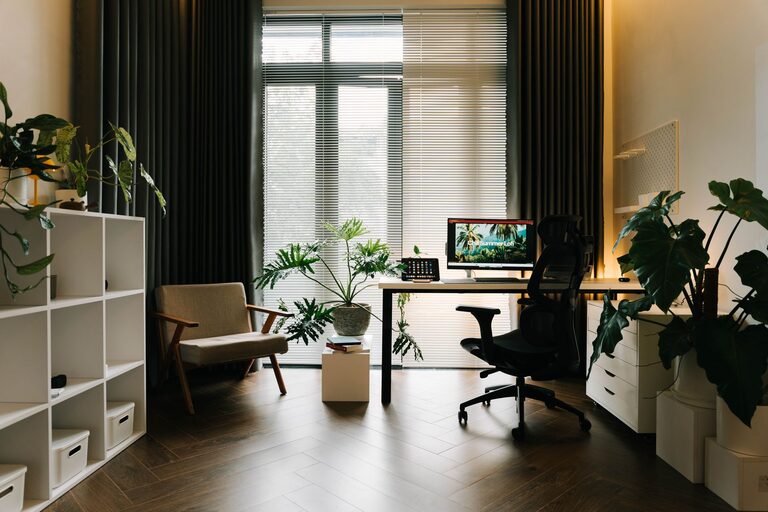
– Pick a quiet and well-lit area: Natural light is ideal, but if that’s not possible, invest in good task lighting.
– Consider ergonomics: Choose a desk and chair that support good posture.
– Minimize distractions: Avoid high-traffic or noisy spots to maintain focus.
Step 2: Declutter Your Space
Before adding organizational tools, clear the clutter.
– Remove everything from your desk and drawers.
– Sort items into categories: Keep, discard, or relocate.
– Only keep essentials: Limit the items on your desk to what you use daily.
Step 3: Create Smart Storage Solutions
Well-planned storage helps maintain order over time.
Desk Organization
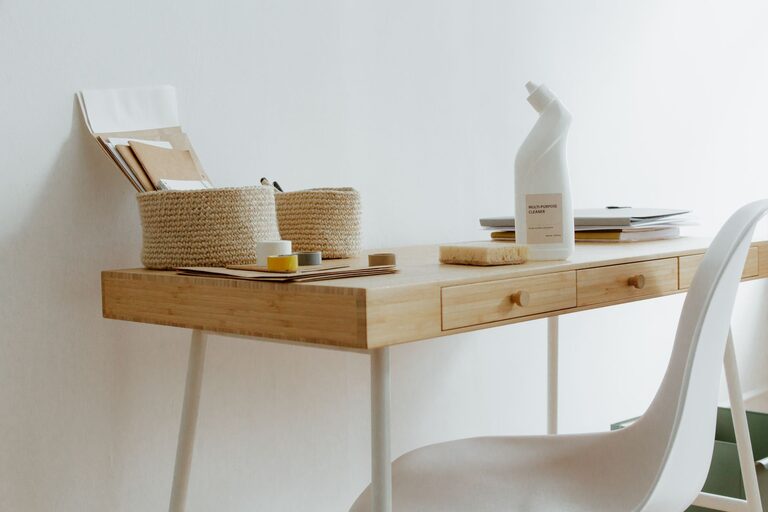
– Use desk organizers or trays for small items like pens, paper clips, and sticky notes.
– Incorporate file holders or folders to manage important documents and reduce piles.
– Keep cables tidy using clips or a cable management box.
Shelving and Drawers
– Install shelves if space allows for books and supplies.
– Use drawer dividers to separate items and improve accessibility.
– Label storage bins and boxes to find things easily.
Step 4: Develop a Daily Routine
Maintaining a clutter-free workspace requires consistent effort.
– End your day by tidying your desk. Put used items back in their place.
– Weekly clean-up: Take time to organize papers, deal with mail, and assess supplies.
– Limit new clutter: Regularly review what’s accumulating and remove unnecessary items.
Step 5: Make It Personal but Minimal
A few personal touches can make your workspace inviting, but avoid overdecorating.
– Add a small plant, a photo frame, or an inspiring quote.
– Use neutral colors for your setup to keep the atmosphere calm and organized.
Step 6: Use Technology Wisely
While computers and gadgets are essential for work, they can sometimes add to clutter.
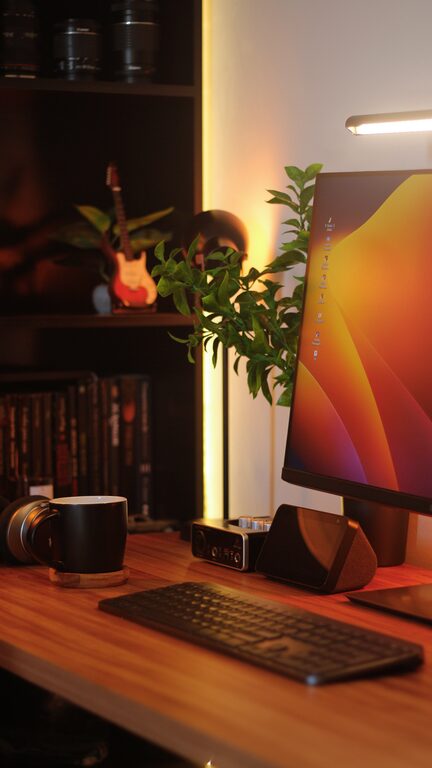
– Manage digital files regularly to avoid desktop clutter.
– Use wireless devices to reduce cord tangles.
– Consider a charging station to keep devices centralized.
Additional Tips for Specific Workspaces
For Small Spaces
– Use vertical space effectively with wall-mounted organizers or pegboards.
– Choose multi-functional furniture like desks with built-in storage.
For Shared Spaces
– Clearly define your area with partitions or rugs.
– Use personal organizers that are portable for easy setup and teardown.
Conclusion
Organizing a clutter-free workspace at home improves not only your physical environment but your mental clarity, too. By choosing the right spot, decluttering, adding smart storage, and maintaining daily habits, you can create a space where you’re comfortable and productive. Remember, simplicity is key—keep what you need close and organize everything else for easy access. With these tips, your home workspace will become a place you enjoy spending time in.
About the Author