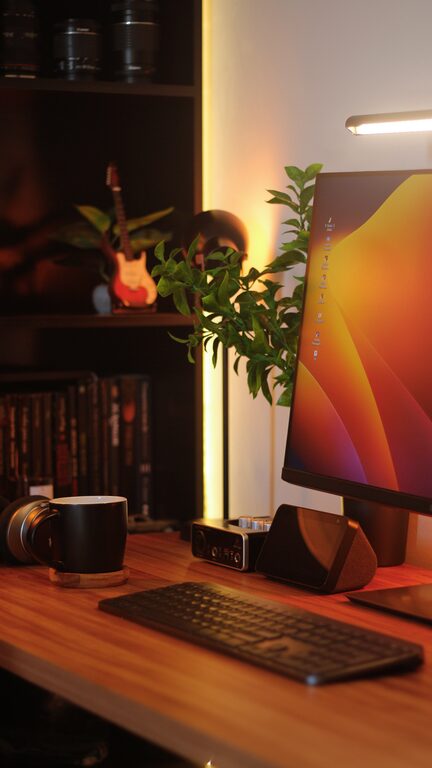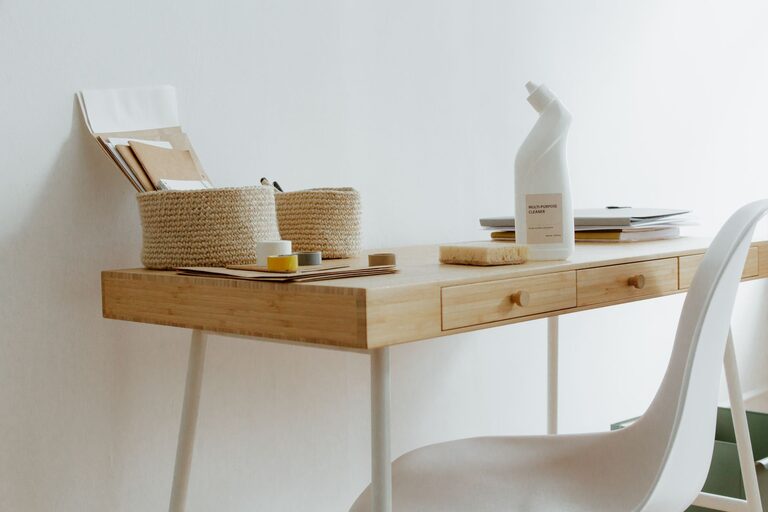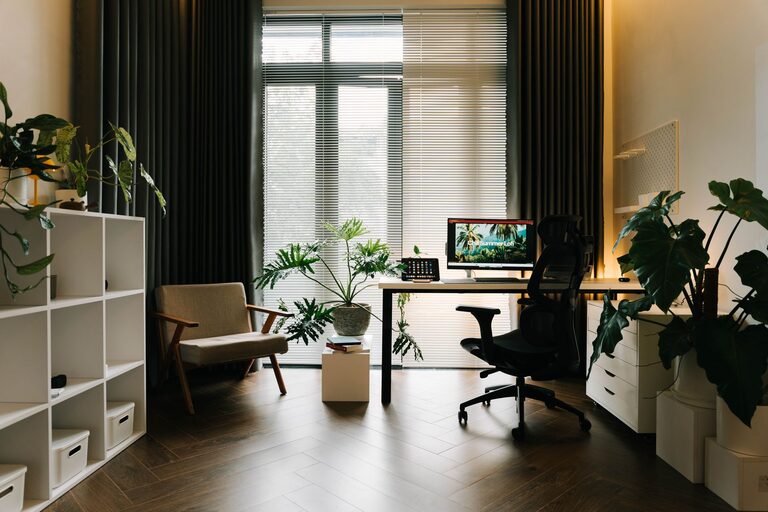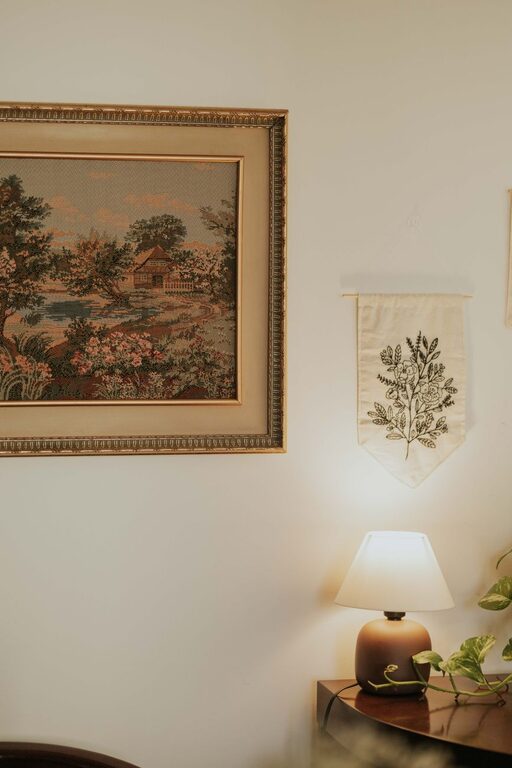
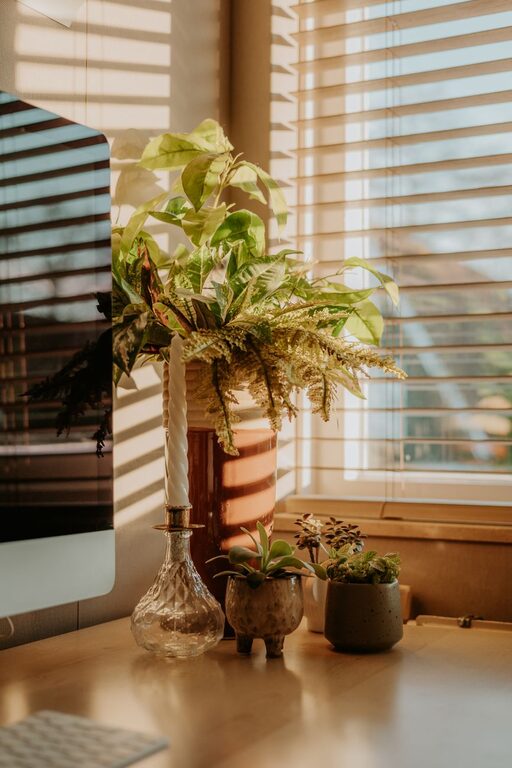
Creating a relaxing home workspace is essential for maintaining focus, reducing stress, and improving overall productivity. Whether you’re working remotely full-time or just need a quiet spot for occasional tasks, designing a comfortable environment can make a big difference. In this post, we’ll explore practical tips to help you set up a home workspace that feels calm, inviting, and efficient.
Why a Relaxing Workspace Matters
A workspace that feels relaxing encourages clearer thinking and less distraction, helping you stay motivated throughout the day. When your environment supports your well-being, you’re more likely to enjoy your work and maintain a healthy work-life balance.
Choose the Right Location
Start by selecting a spot that offers peace and minimal interruptions. Ideally, this should be a separate area from your main living spaces.
– Consider a spare room, a quiet corner, or even a nook by a window.
– Avoid high-traffic zones where household activity is frequent.
– Ensure the space has good natural light to enhance mood and reduce eye strain.
Invest in Comfortable Furniture
Comfort is key when spending hours working. The right furniture can reduce physical stress and help you stay focused.
– Choose an ergonomic chair that supports your back.
– Pick a desk at the correct height for typing and writing without strain.
– If possible, incorporate a sit-stand desk to allow movement throughout the day.
Declutter and Organize
A clutter-free workspace creates a sense of calm and allows you to focus on tasks without distractions.
– Keep only essential items on your desk.
– Use organizers like trays, shelves, or drawers to store supplies neatly.
– Regularly clean your workspace to maintain orderliness.
Use Calming Colors and Decor
The colors and decor in your workspace can deeply affect your mood and productivity.
– Opt for soft, neutral colors like light blues, greens, or beige to create a soothing environment.
– Add personal touches such as plants, artwork, or inspirational quotes.
– Avoid overly bright or harsh colors that may cause eye fatigue.
Control Lighting Effectively
Proper lighting helps reduce eye strain and creates a welcoming atmosphere.
– Prioritize natural daylight when possible.
– Use a desk lamp with adjustable brightness to complement overhead lighting.
– Avoid glare by positioning your screen and light sources thoughtfully.
Minimize Noise Distractions
Background noise can be disruptive, so consider ways to manage sound in your workspace.
– Use noise-canceling headphones or white noise machines if needed.
– Close doors or add rugs and curtains to absorb sound.
– Inform household members about your working hours for fewer interruptions.
Incorporate Relaxing Breaks
Give yourself permission to take short breaks for rest and renewal.
– Use a timer to remind you to stand, stretch, or walk every hour.
– Practice deep breathing or simple meditation exercises during breaks.
– Keep a water bottle nearby to stay hydrated.
Set Clear Boundaries
Separating work from personal time helps maintain balance and reduces stress.
– Designate your workspace as a “work zone” only.
– Turn off work devices and notifications at the end of the day.
– Communicate your working hours to family or roommates.
Technology Setup
Having the right technology can improve efficiency and reduce frustration.
– Invest in a reliable internet connection.
– Use wireless peripherals to reduce cable clutter.
– Keep chargers, external drives, and other accessories tidy and accessible.
Maintain Consistency
Establishing routine habits makes your workspace more inviting and functional.
– Start your workday at a consistent time.
– Organize your desk at the end of each day.
– Regularly update your to-do lists or planners.
—
By applying these tips, you can create a home workspace that not only supports your professional goals but also fosters relaxation and well-being. Small adjustments in your environment can lead to significant improvements in how you work and feel throughout the day. Happy organizing!
About the Author